
Modern, mobile-first TastyIgniter theme with dark mode, SPA-style transitions, and full Tailwind v4 brand customization.
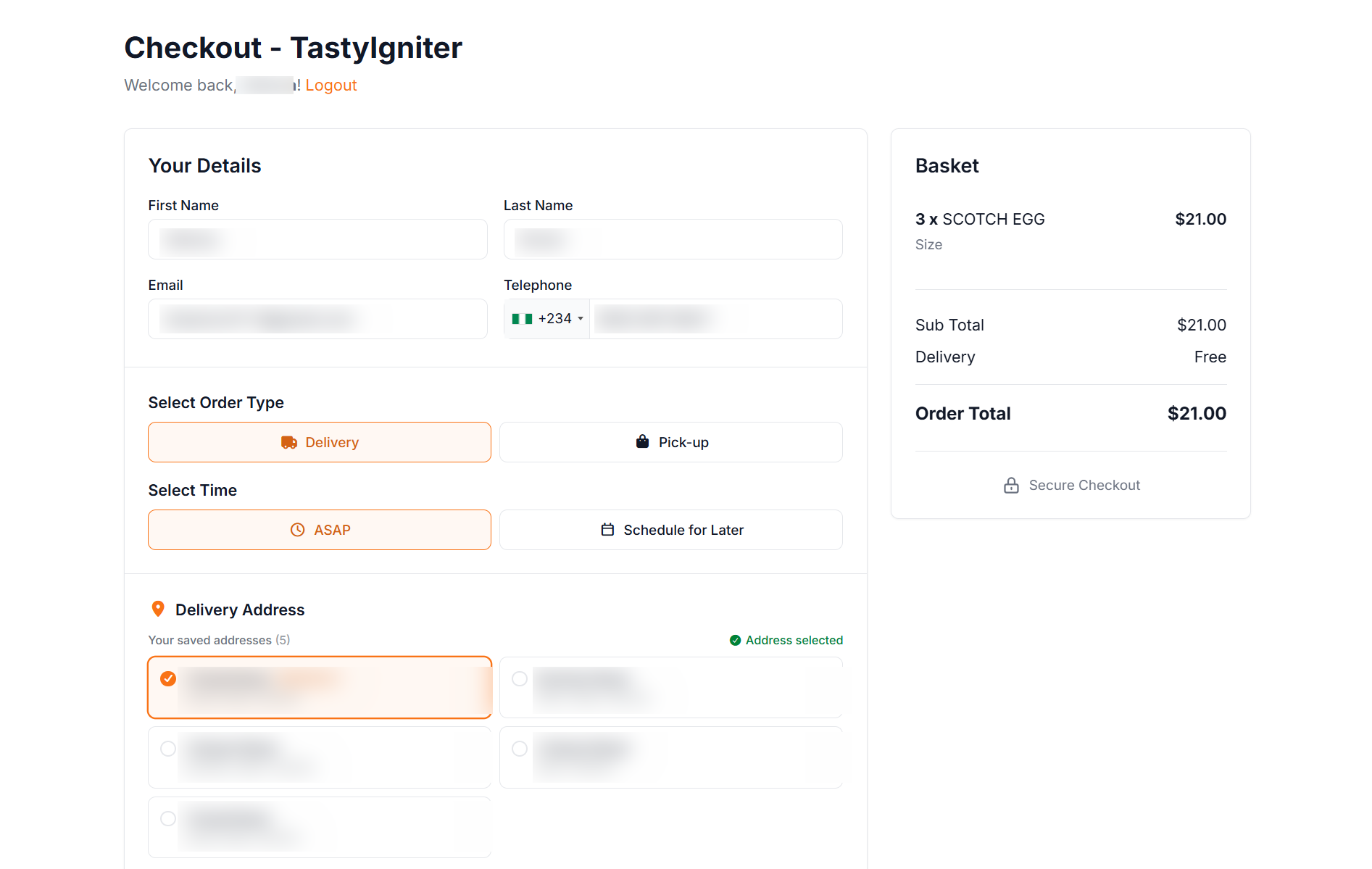
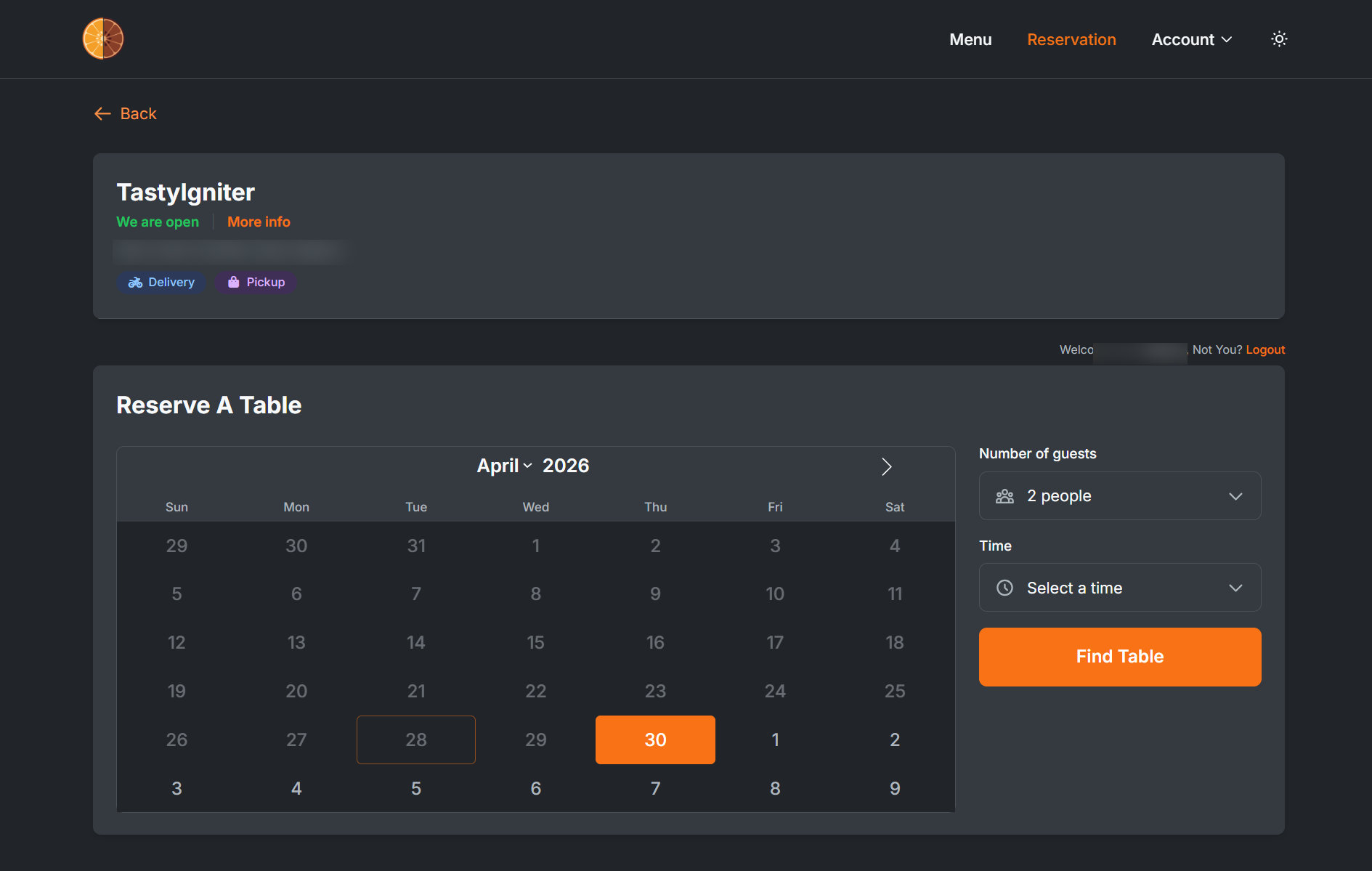
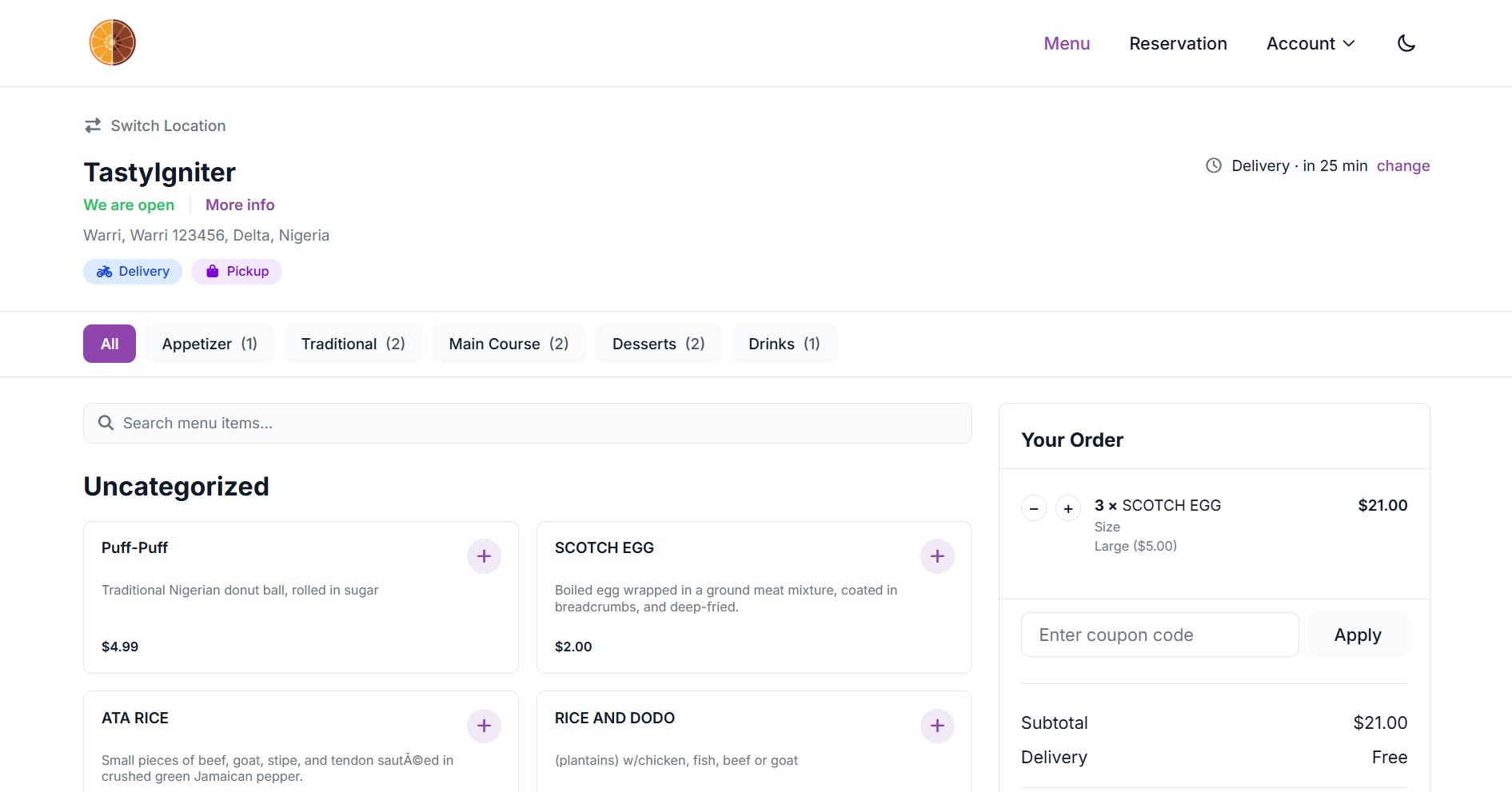
Introduction
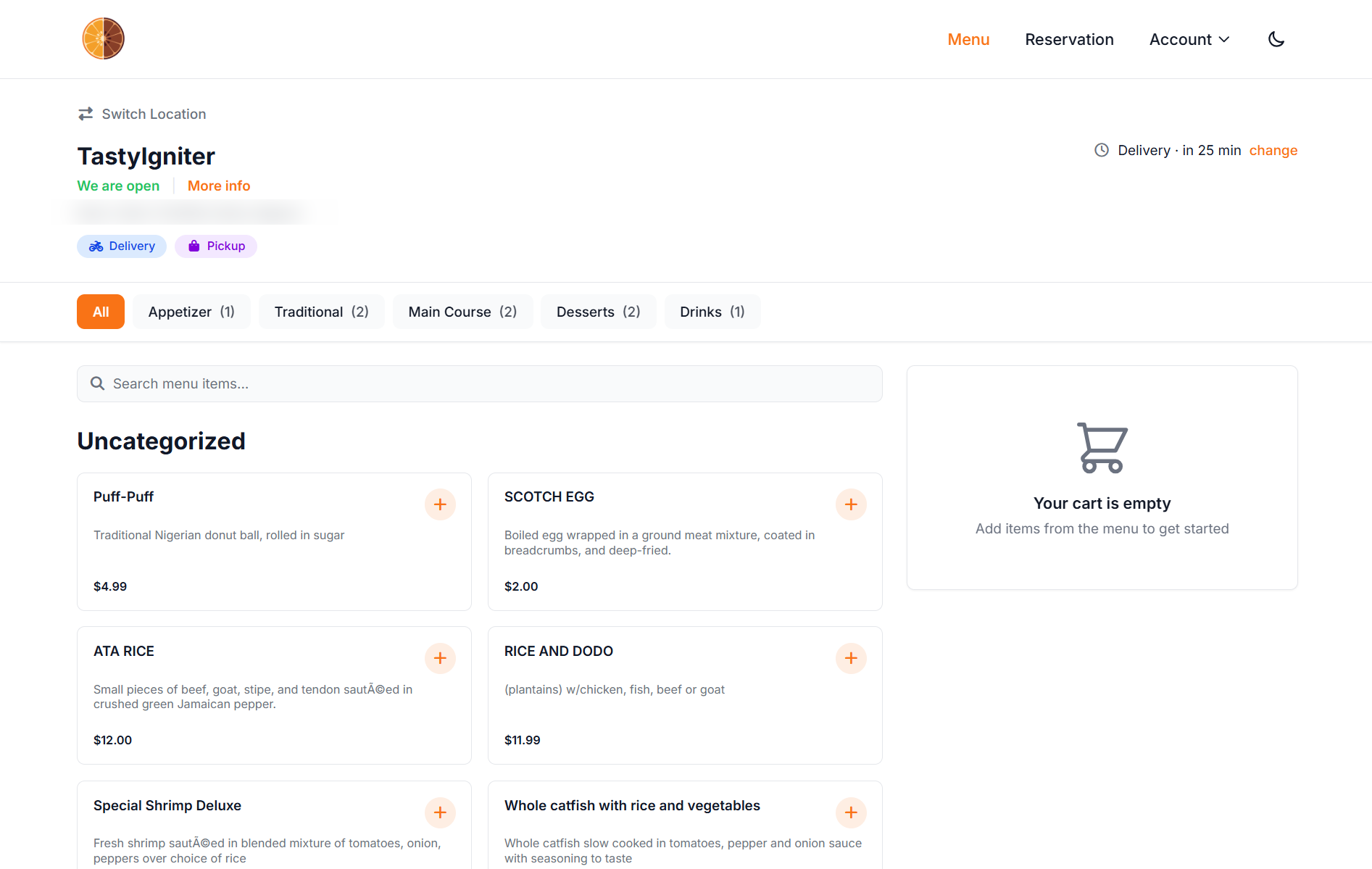
Orange TW is a modern, mobile-first TastyIgniter storefront theme — a Tailwind CSS rebuild of the popular TastyIgniter Orange Theme. Drop-in replacement: same admin settings, same TastyIgniter extension support, faster and more customizable.
Built for restaurants, cafes, bars, bistros, pizza shops, bakeries, food delivery services — any food business that wants a modern, professional storefront on TastyIgniter.
What's New in Orange TW
- Tailwind CSS v4 — CSS-first design tokens, no separate config file
- TypeScript — strict-mode frontend source
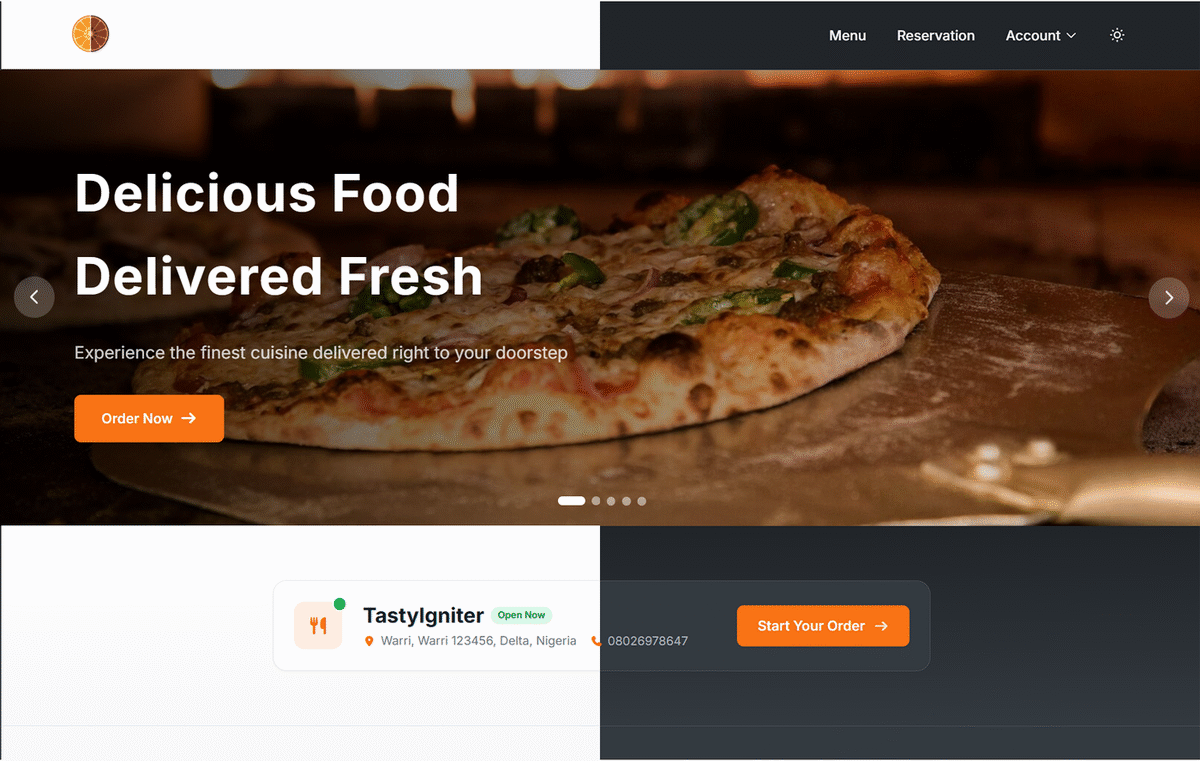
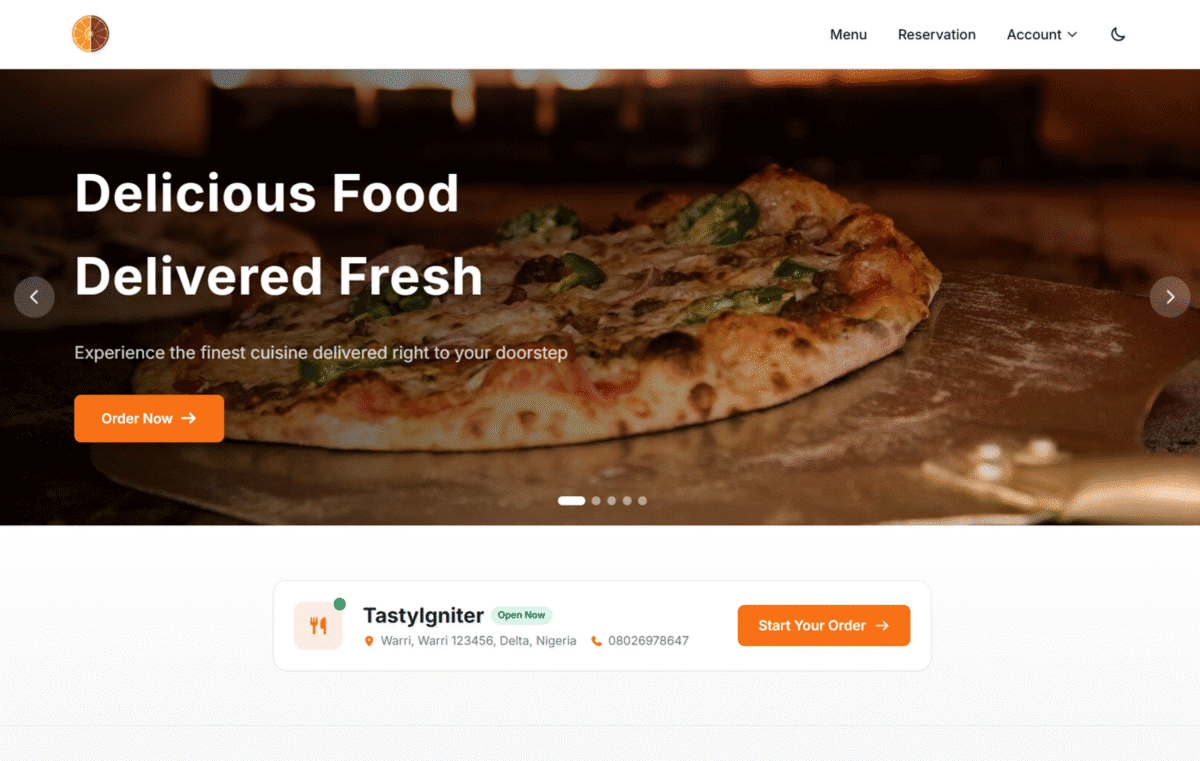
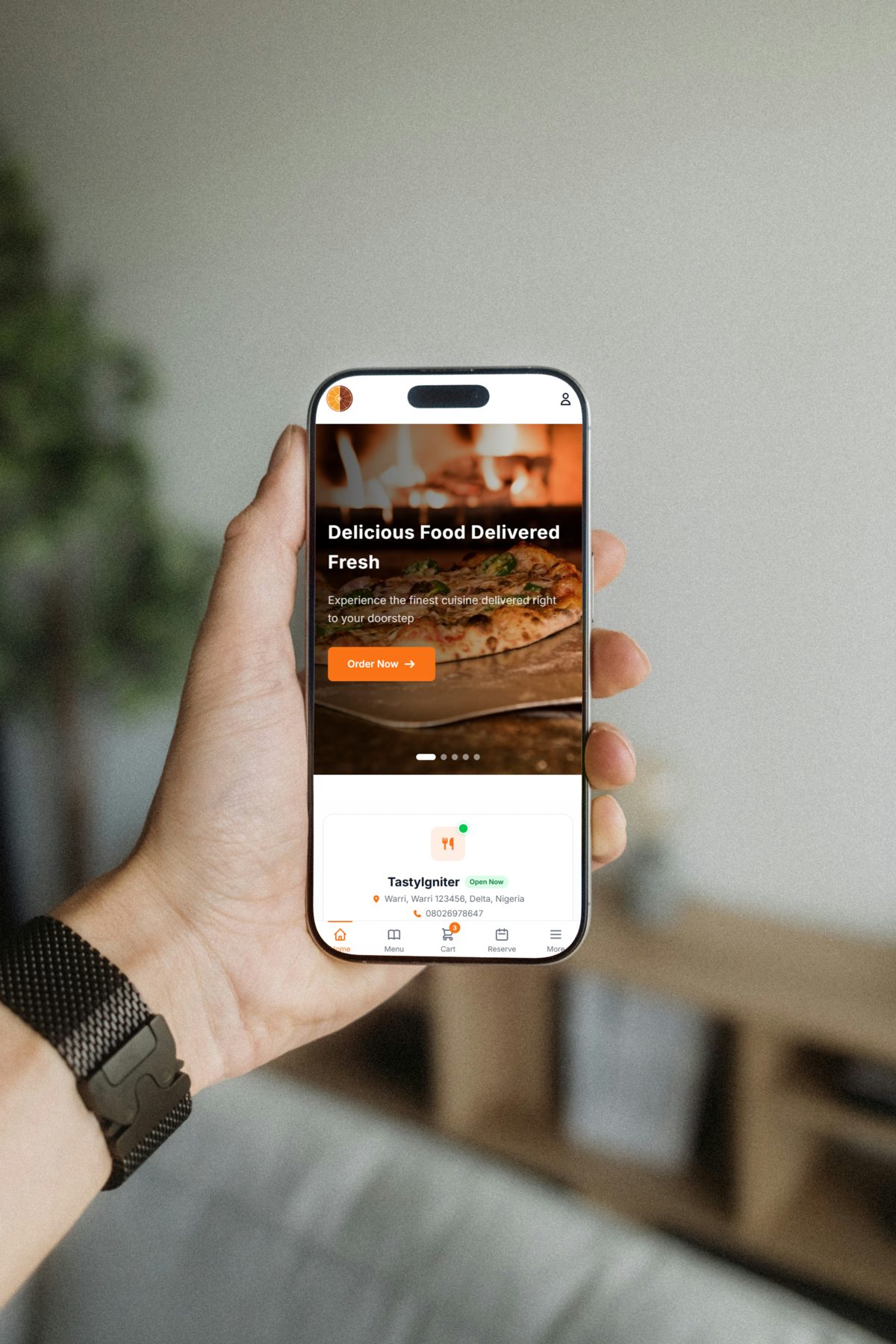
- Multi-banner hero — multiple home-page slides with autoplay, hover-to-pause, and keyboard navigation; admin-configured
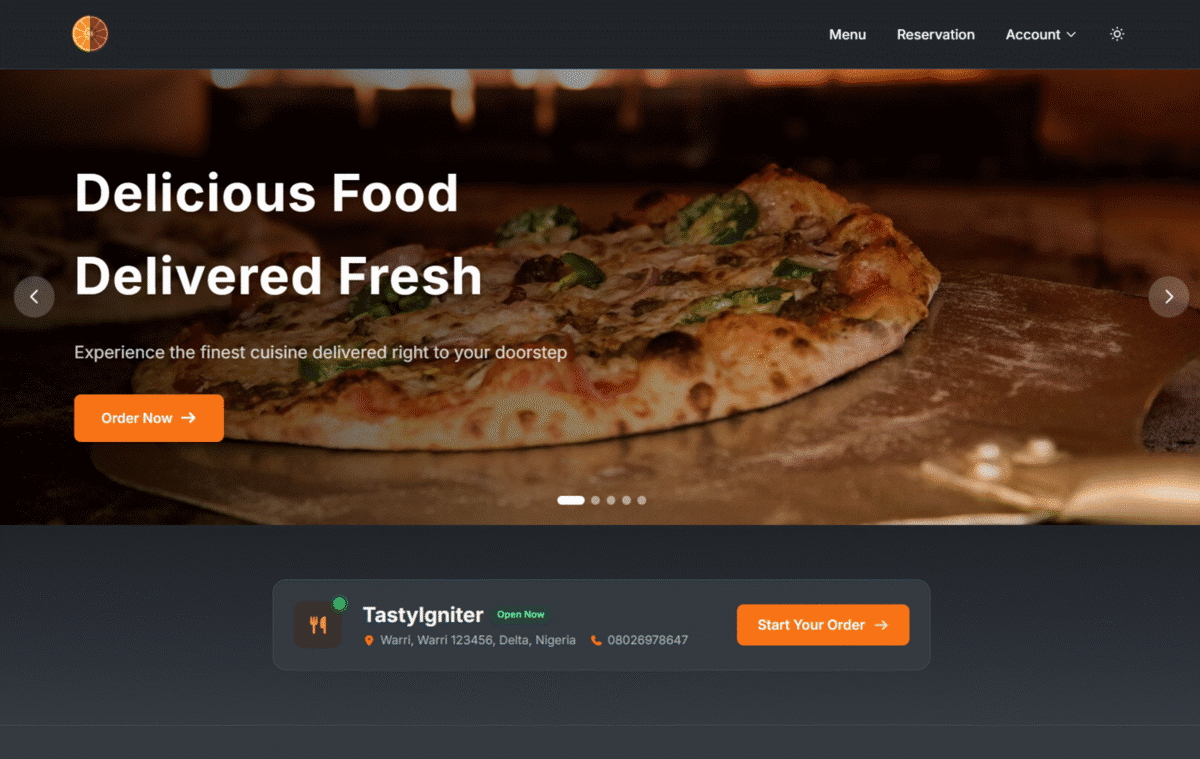
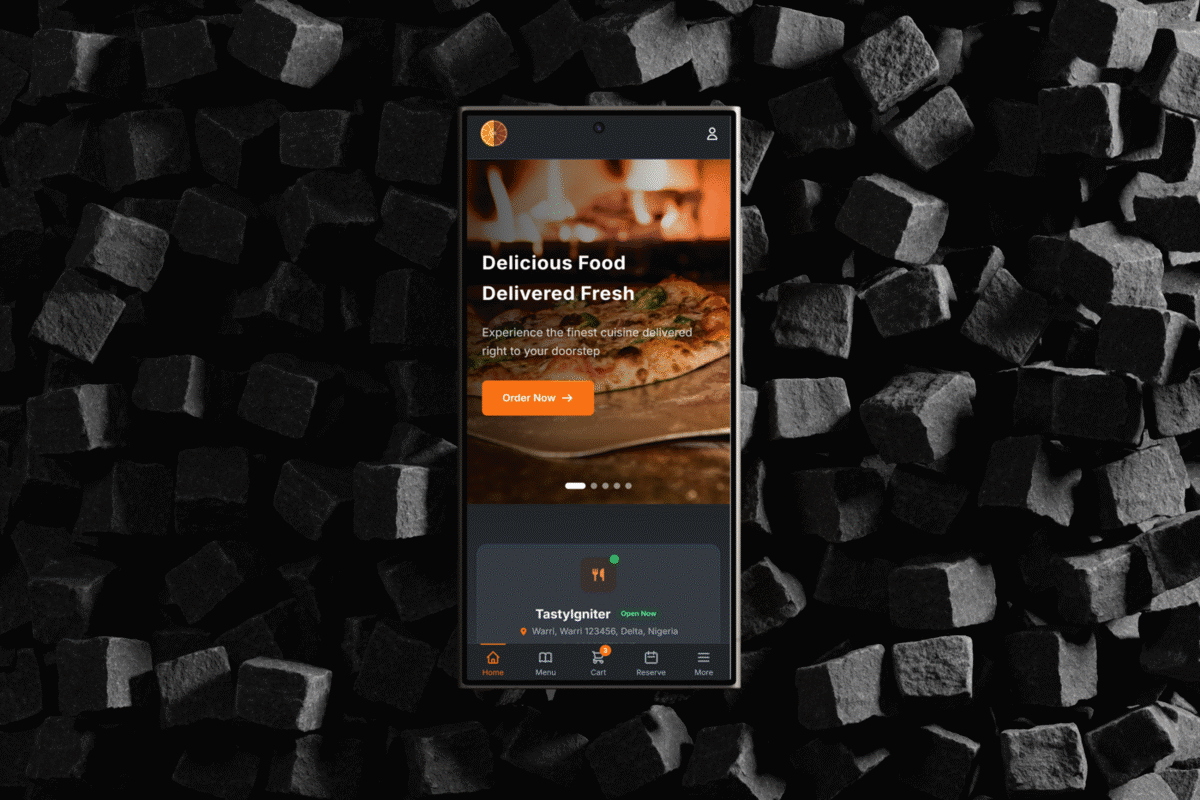
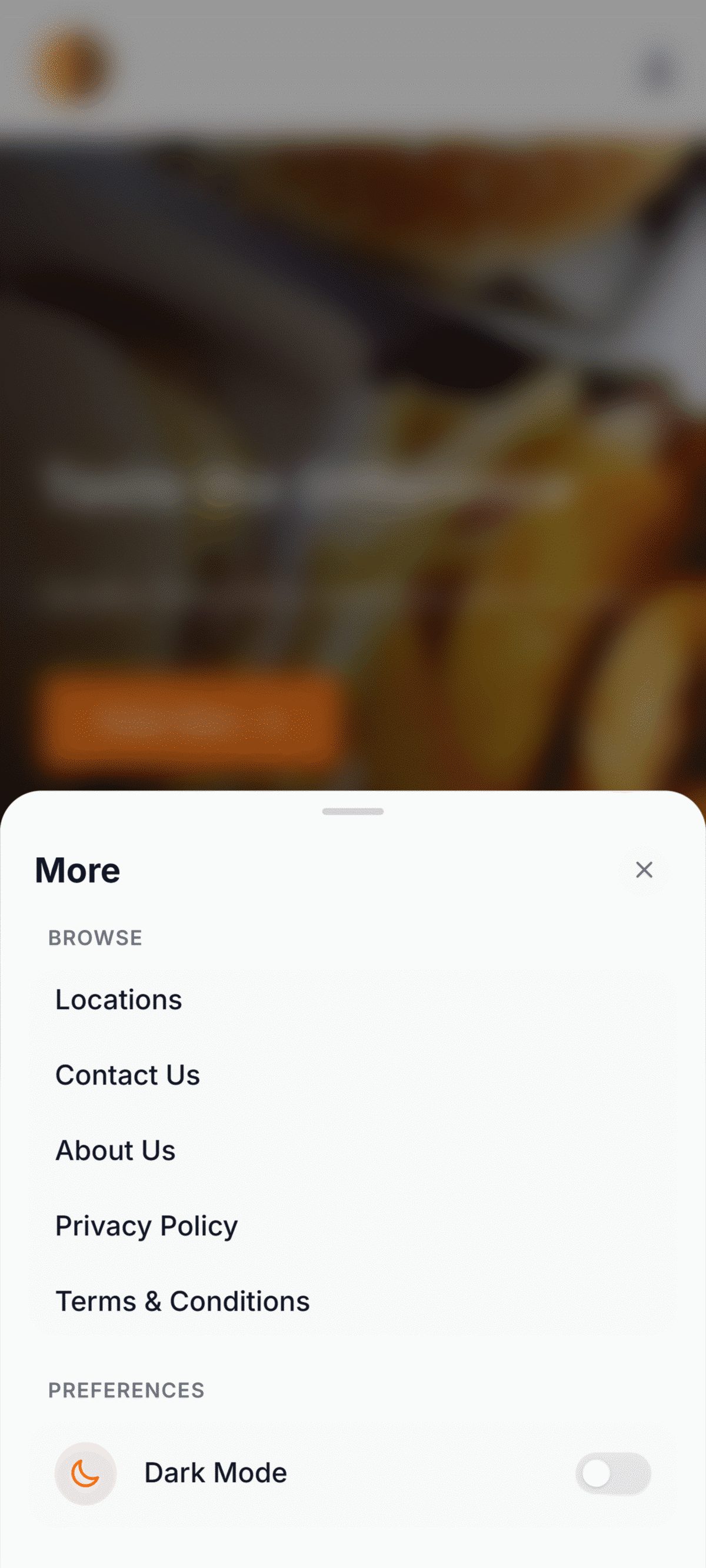
- Dark mode — system-preference detection with manual toggle; persists across navigations
- Mobile bottom tab bar — Uber Eats / DoorDash-style navigation
- Smart sticky header — hides on scroll down, reveals on scroll up
- SPA-style page transitions via Livewire navigate
- Runtime brand customization — change colours, logo, banners, and fonts from the admin without rebuilding assets
- Performance optimized — code splitting, responsive images, debounced inputs, content hashing
Features
- Mobile-first ordering experience — bottom tab bar, slide-in cart drawer, app-like sheets
- Dark mode — system-preference detection with manual toggle; persists across page transitions
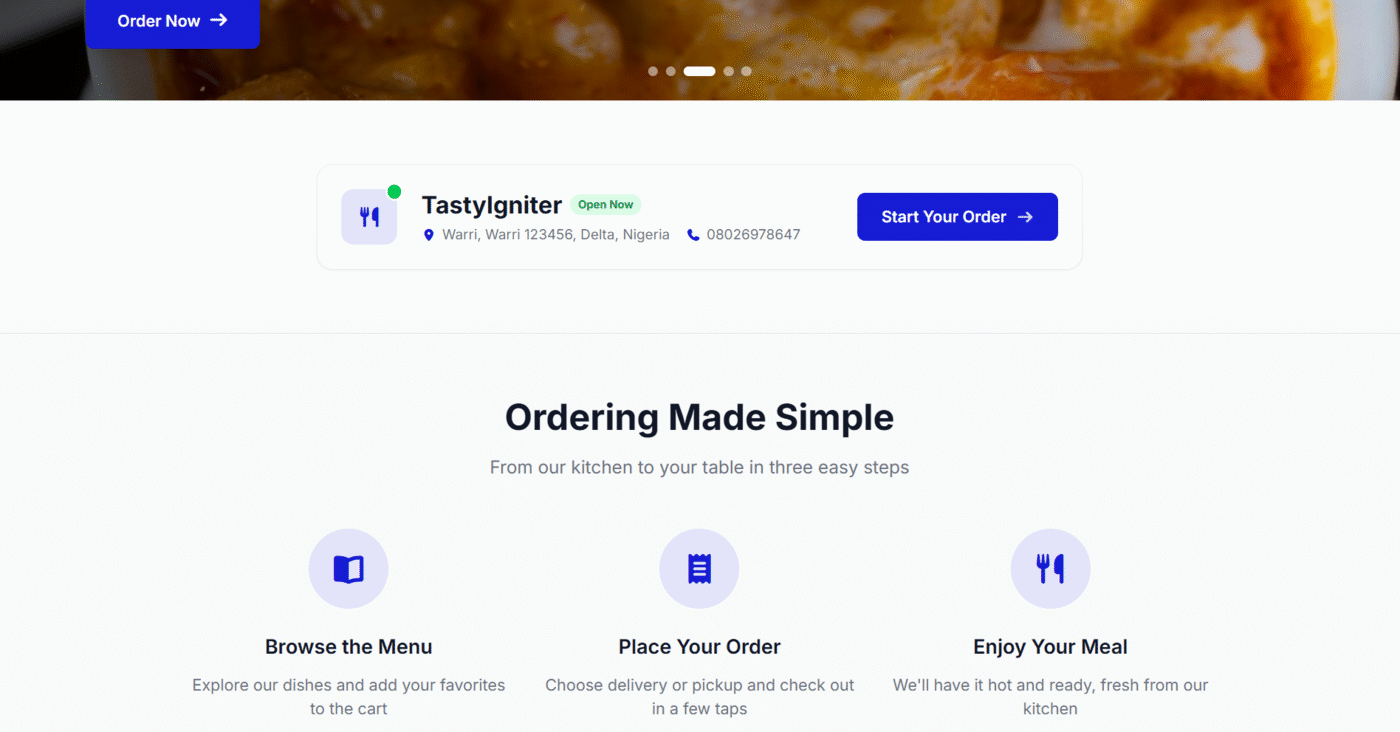
- Runtime brand customization — change colours, logo, banners, and fonts from the admin without rebuilding assets
- SPA-style transitions — instant page swaps via Livewire navigate
- Multi-slide hero banner — autoplay, hover-to-pause, fully admin-configured
- Drop-in Orange replacement — full feature parity with the original; works with every TastyIgniter extension
…and many more. See the documentation for the full list.
Requirements
- TastyIgniter v4.0+
- PHP 8.2+
- Node.js 18+ (for asset compilation)
- TypeScript 5+ (installed automatically as a dev dependency)
Installation
Install the theme via Composer:
composer require tipowerup/ti-theme-orange-tw
Activate the theme from Design > Themes in your TastyIgniter admin panel.
The theme ships with pre-built CSS/JS assets, and the toolkit's auto-publish
hook copies them into your project's public/vendor/tipowerup-orange-tw/
on first activation — no manual build step required.
If your favicon or logo doesn't appear after activation (rare, on locked-down
shared hosting where the activation request can't write to public/), run
the publish command manually from your project root:
php artisan igniter:theme-vendor-publish --force
Development
For development with hot reloading:
npm run dev
To build for production:
npm run build
To type-check the TypeScript sources without emitting:
npm run typecheck
After building assets, publish them into the host TastyIgniter project:
php artisan igniter:theme-vendor-publish --force
Tests
The theme ships a Pest test suite under tests/:
composer test                            # Pint + Pest (Unit + Feature)
vendor/bin/pest --compact                # Pest only
vendor/bin/pest tests/Unit               # Fast unit tests
vendor/bin/pest --filter=FlashMessage    # Filter by name
- Unit tests — pure logic and helpers.
- Feature tests — Livewire components, the Logout controller, error-page templates, and theme metadata.
Customization
Theme Colors
All theme colors can be customized from Design > Themes > Orange TW > Customize. The theme supports 15 customizable colors including:
- Primary, Secondary, Accent colors
- Success, Warning, Danger, Info states
- Text, Background, Surface, Border colors
- Light and dark mode variants
Colors are applied via CSS variables, so changes take effect immediately without rebuilding assets.
Dark Mode
Dark mode can be configured to:
- Follow system preference (default)
- Default to light mode
- Default to dark mode
Users can toggle dark mode using the switch in the header, and their preference is saved to localStorage.
Fonts
Configure Google Fonts from the theme settings. The theme uses Inter as the default font family with optimized font loading.
Hero Banners
Add multiple hero slides for the home page from Design > Themes > Orange TW > Customize > Banners. Each slide carries a heading, sub-heading, CTA label + URL, background image, and optional alignment. Autoplay, hover-to-pause, and keyboard navigation work out of the box — no code changes needed.
Tech Stack
| Technology | Purpose |
|---|---|
| Tailwind CSS v4 | Styling and design tokens |
| TypeScript | Strict-mode frontend source |
| Livewire 3.x | Server-driven dynamic components |
| Alpine.js 3.x | Client-side interactivity |
| Vite 5.x | Asset bundling |
Changelog
Please see CHANGELOG for more information on what has changed recently.
Reporting Issues
Found a bug or have a feature request? Open an issue on the issue tracker. Before filing, please:
- Search existing issues to avoid duplicates.
- Include your TastyIgniter version, PHP version, and steps to reproduce.
- Attach screenshots or browser console output for UI bugs.
Contributing
Pull requests are welcome. To contribute:
- Fork the repository and create a feature branch from
main. - Make your change, add or update tests where appropriate, and run
composer testto ensure the suite passes. - Open a pull request against
mainwith a clear description of the change and the problem it solves.
For larger changes, open an issue first to discuss the approach before investing time.
Security Vulnerabilities
If you discover a security vulnerability, please do not open a public issue. Email the maintainers directly so the issue can be addressed before public disclosure.
Credits
- Inspired by TastyIgniter Orange Theme by TastyIgniter Dev Team
- Built by TI PowerUp Team
License
Orange TW Theme is open-source software licensed under the MIT license.
Author
TI PowerUp AdminUpdated
Sep 15, 2026
tastyigniter/core
tastyigniter/ti-ext-pages
tastyigniter/ti-ext-coupons
tastyigniter/ti-ext-frontend
tastyigniter/ti-ext-socialite