
Global command-palette search across TastyIgniter pages, settings, extensions, and themes
Introduction
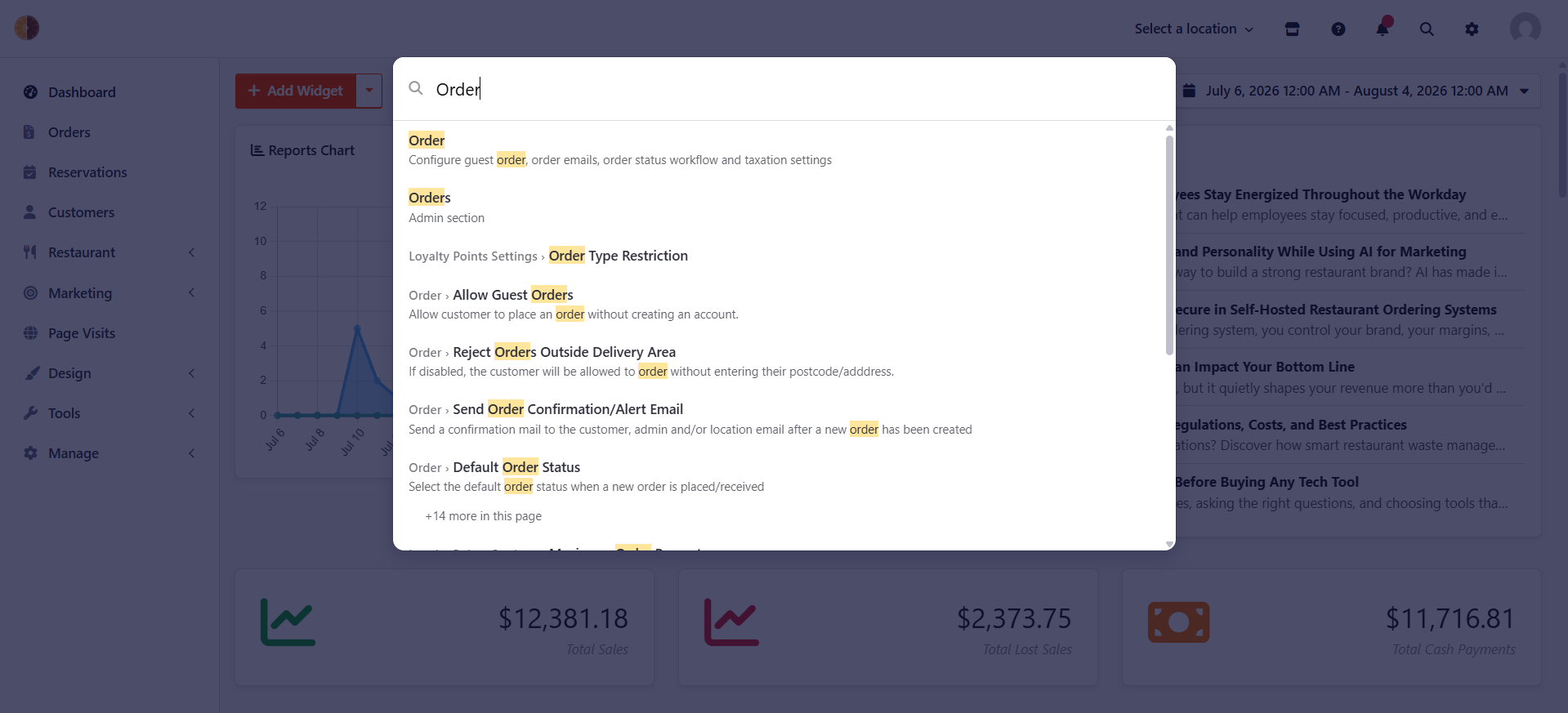
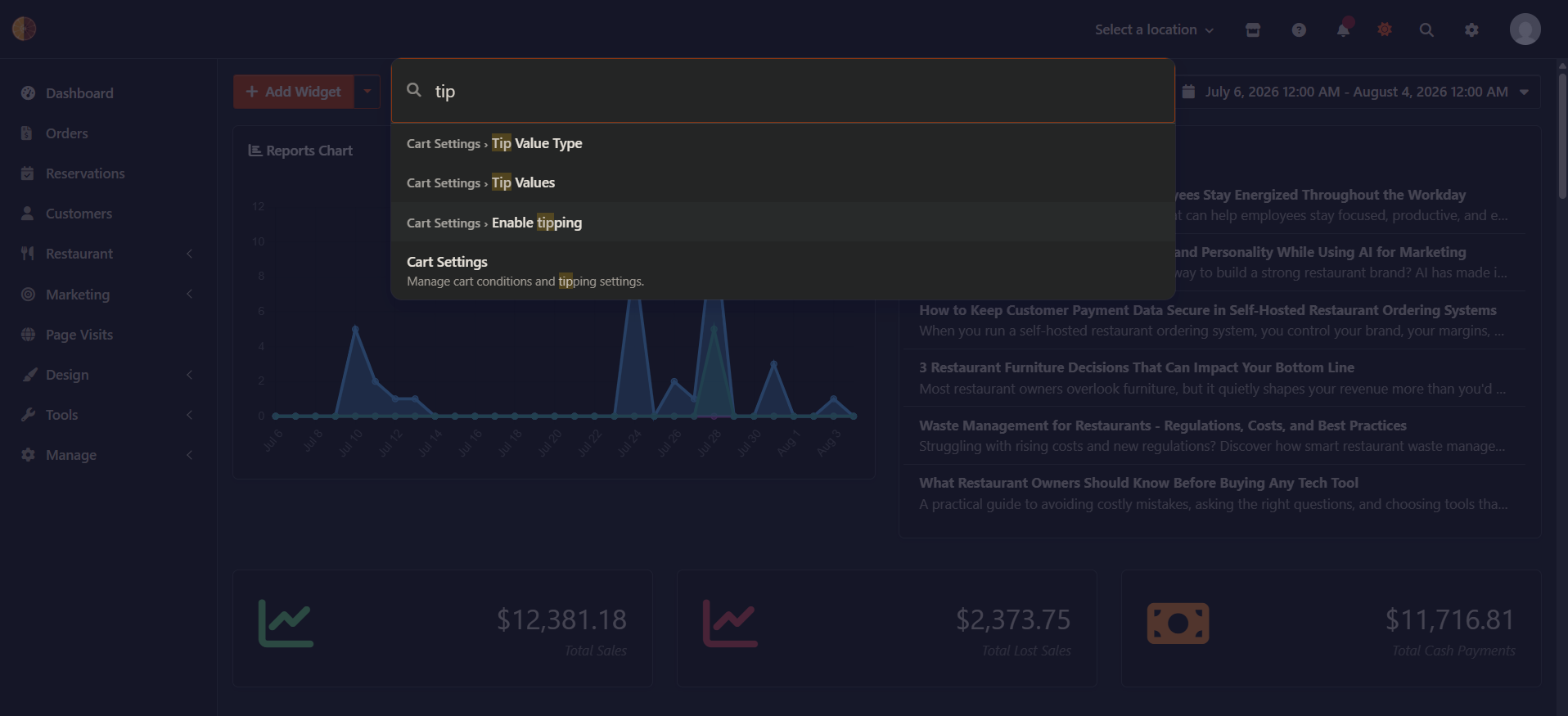
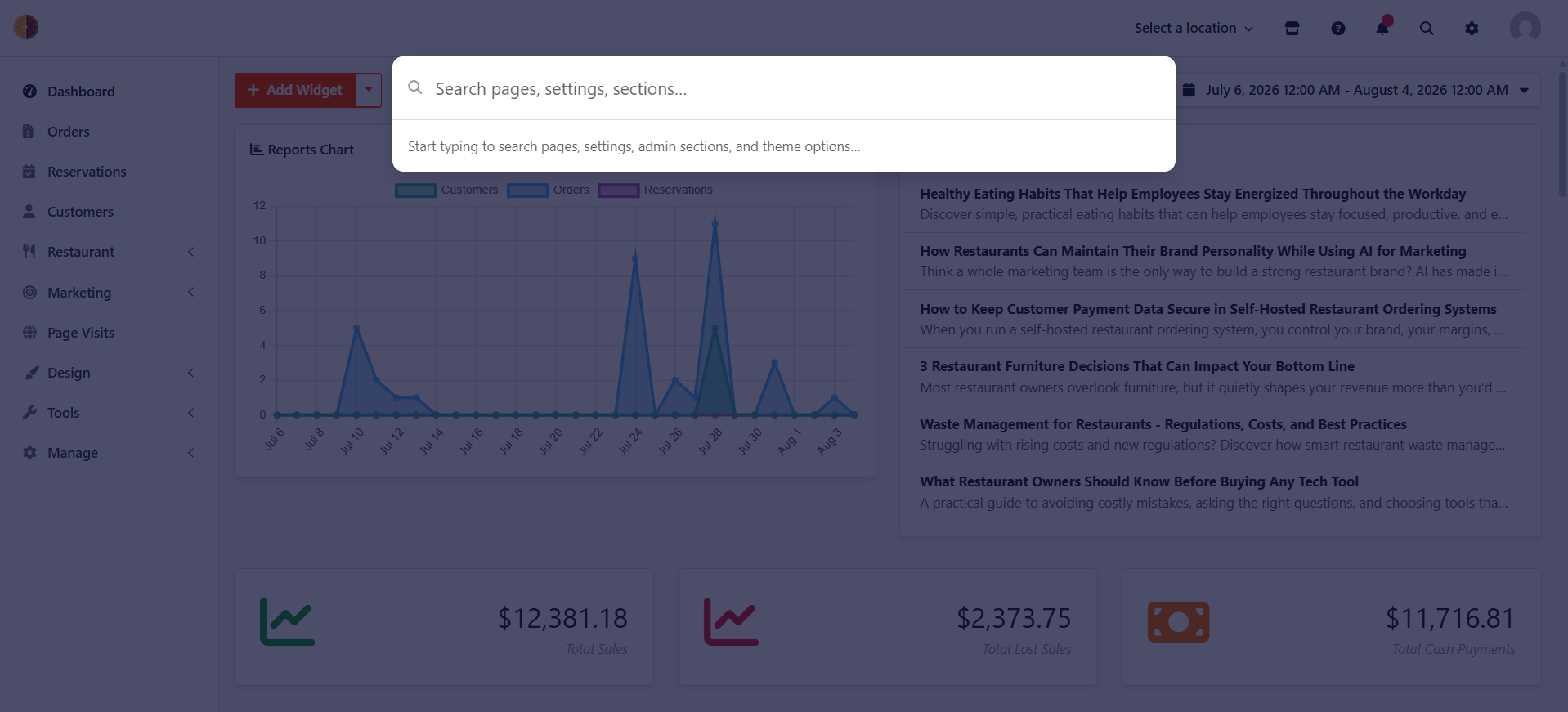
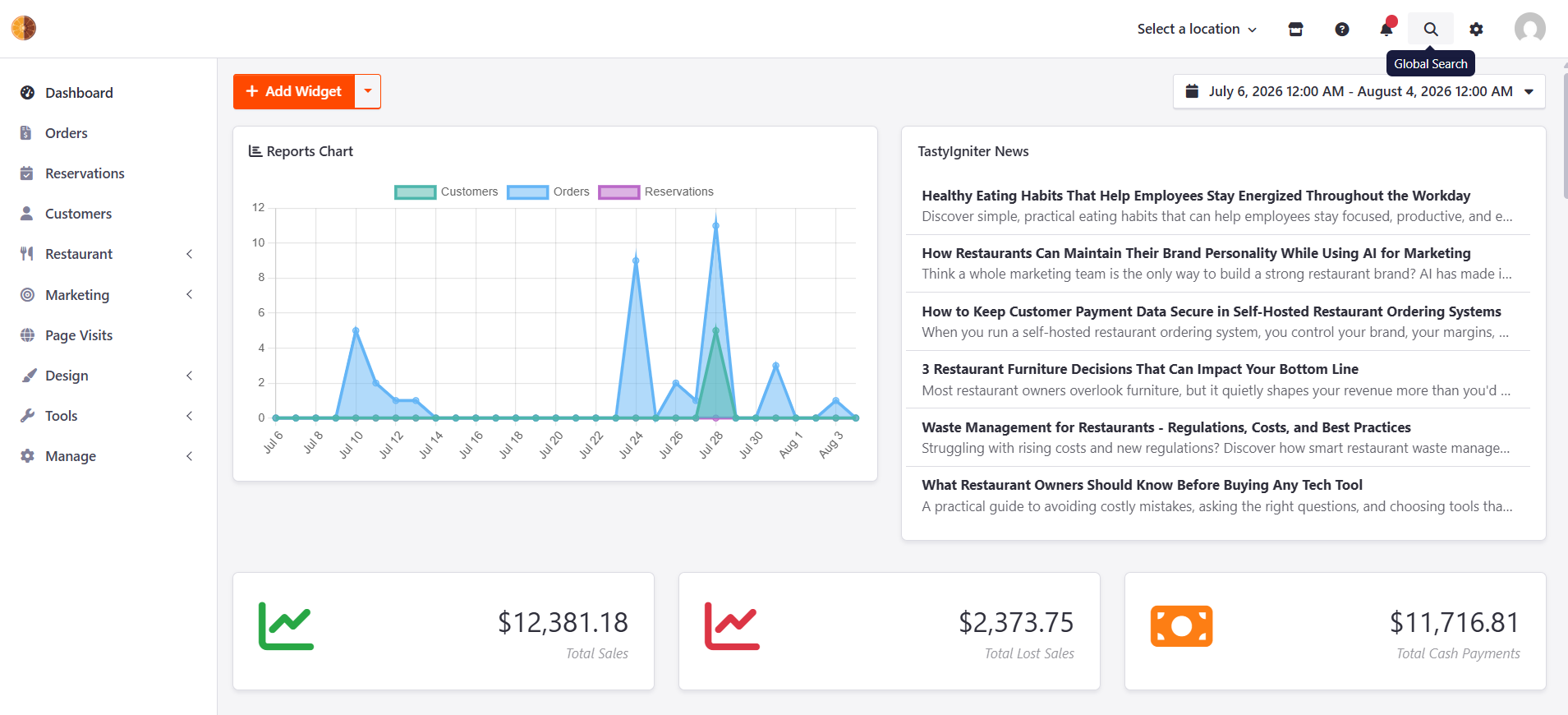
This extension adds a global command-palette search to the TastyIgniter admin panel. Press Ctrl+K (or Cmd+K on Mac) from anywhere, or click the search icon in the navbar, and start typing. Instead of hunting through the sidebar to find where something lives, just search for the admin page you want — Coupons, Redemptions, Categories, a settings page, a theme option, a Static Page you've created — and click the result to jump straight there.
Features
- Jump straight to any admin page — search "categories" or "redemptions" and go directly to that screen, without clicking through Menu Items' dropdown to find it. Works for top-level sections (Coupons, Menus, Reservations...) and the pages nested inside them (Redemptions, Categories, Menu Options...).
- Static Pages too — pages you've created under Design > Static Pages (About Us, Terms & Conditions...) are searchable the same way.
- Search settings and theme options too — core & extension settings, theme customization fields (colors, logos, layout options).
- Field-deep results — search "SMTP" and land on the exact field inside Mail Settings, not just the settings page.
- Keyboard-first — Ctrl+K / Cmd+K to open, arrow keys + Enter to navigate, no mouse required.
- Permission-aware — every result respects what the logged-in user is actually allowed to see.
- Configurable — turn any of the five search sources on or off from the extension's own settings page.
- Fast — results are cached and served instantly; typing is debounced so it doesn't hammer the server.
Requirements
- TastyIgniter v4.0+
- PHP 8.2+
Installation
composer require tipowerup/ti-ext-globalsearch
Then run migrations:
php artisan igniter:up
Usage
- Click the search icon in the admin navbar, or press Ctrl+K (Cmd+K on Mac) from anywhere in the admin panel.
- Start typing. Results update as you type — no need to press Enter.
- Use ↑ / ↓ to move between results and Enter to open one, or just click.
- Press Esc or click outside the search box to close it.
Settings
Go to System > Settings > Global Search to:
- Recache Search Index — rebuilds the index immediately. Only needed if results seem out of date; the index also rebuilds itself automatically when extensions or themes change.
- Choose what to index — turn off Settings Pages, Theme Options, Static Pages, Admin Sections, or Section Actions individually if you'd rather they not show up in search.
For Developers
Permission
Access to the settings page is gated by Tipowerup.GlobalSearch.ManageSettings. Search results are filtered independently per result, using each item's own permission requirement — a user only ever sees what they could already reach by clicking around the admin panel normally.
Adding a custom search source
Search sources are plain classes implementing Tipowerup\GlobalSearch\Classes\Search\Sources\SourceInterface:
interface SourceInterface
{
    /** @return iterable<SearchItem> */
    public function collect(): iterable;
}
Each item you yield is a SearchItem (title, description, url, icon, permissions, context for grouping). The five built-in sources (SettingsSource, ThemeSource, PageSource, NavigationSource, ControllerActionSource) are all written this way and are a good reference. Sources are registered in Tipowerup\GlobalSearch\MainMenuWidgets\GlobalSearchWidget::onSearch().
Cache invalidation
The index is cached and rebuilds automatically when:
- An extension is installed, updated, or removed
- A theme is activated
- The set of enabled search sources changes (via the settings toggles)
It also rebuilds on every search when APP_DEBUG=true, so local development always sees fresh results without needing to recache manually.