

Razorpay Payment
1.0.0
Latest version
1
Downloads: 1
41
Views: 41
Accept payments via Razorpay for TastyIgniter.

Introduction
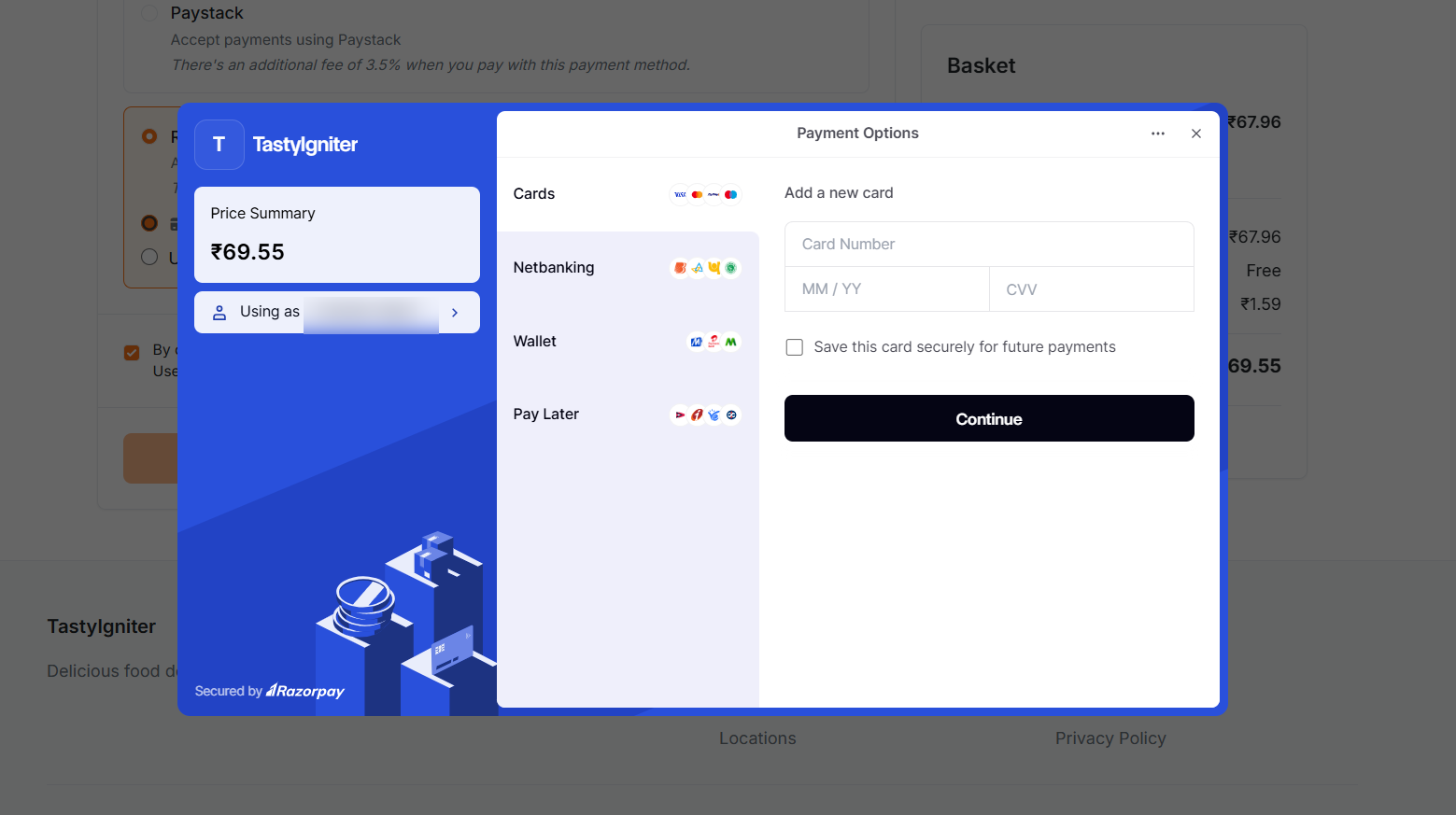
This extension allows you to accept payments via Razorpay on your TastyIgniter site. Razorpay supports merchants registered in India, Malaysia, Singapore, or the United States, and can accept international card payments from 180+ countries in 100+ currencies regardless of merchant location.
Features
- Accept payments via card, UPI, netbanking, wallet, EMI, and Pay Later.
- Authorize & Capture or Authorize Only (manual capture) transaction types.
- Save card details for faster future payments.
- Restrict which payment methods are offered at checkout.
- Supports refunds and partial refunds from the admin order view.
- Webhook handling for automatic payment verification (HMAC SHA256 signature validated).
- Supports multiple currencies.
Requirements
- TastyIgniter v4.0+
- PHP 8.2+
Installation
composer require tipowerup/ti-ext-razorpay
Then run migrations:
php artisan igniter:up
Usage
- Go to Manage > Settings > Payment Gateways in the admin panel and edit the Razorpay payment method.
- Select your Transaction Mode (Test or Live) and enter your matching Razorpay key and secret.
- Enable the payment method and save.
You can now accept payments via Razorpay at checkout.
Webhook
To enable automatic payment verification, configure the webhook URL shown on the Razorpay payment method edit page in your Razorpay dashboard.
See the full documentation for transaction types, saved cards, payment method restrictions, and troubleshooting.