
Dark Mode
1.2.0
Latest version
3
Downloads: 3
119
Views: 119
Adds dark mode to TastyIgniter admin and storefront with scheduling support.
Introduction
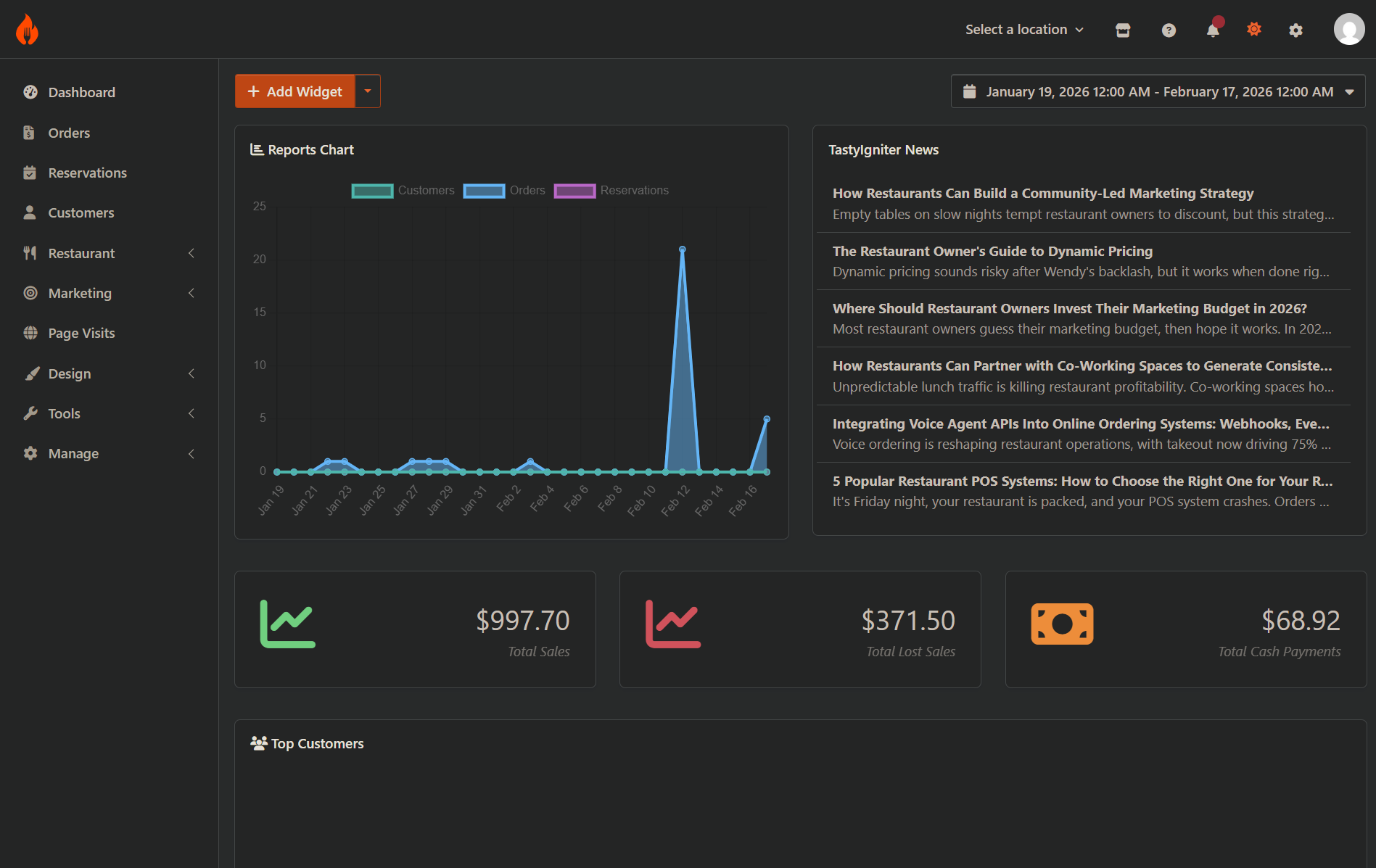
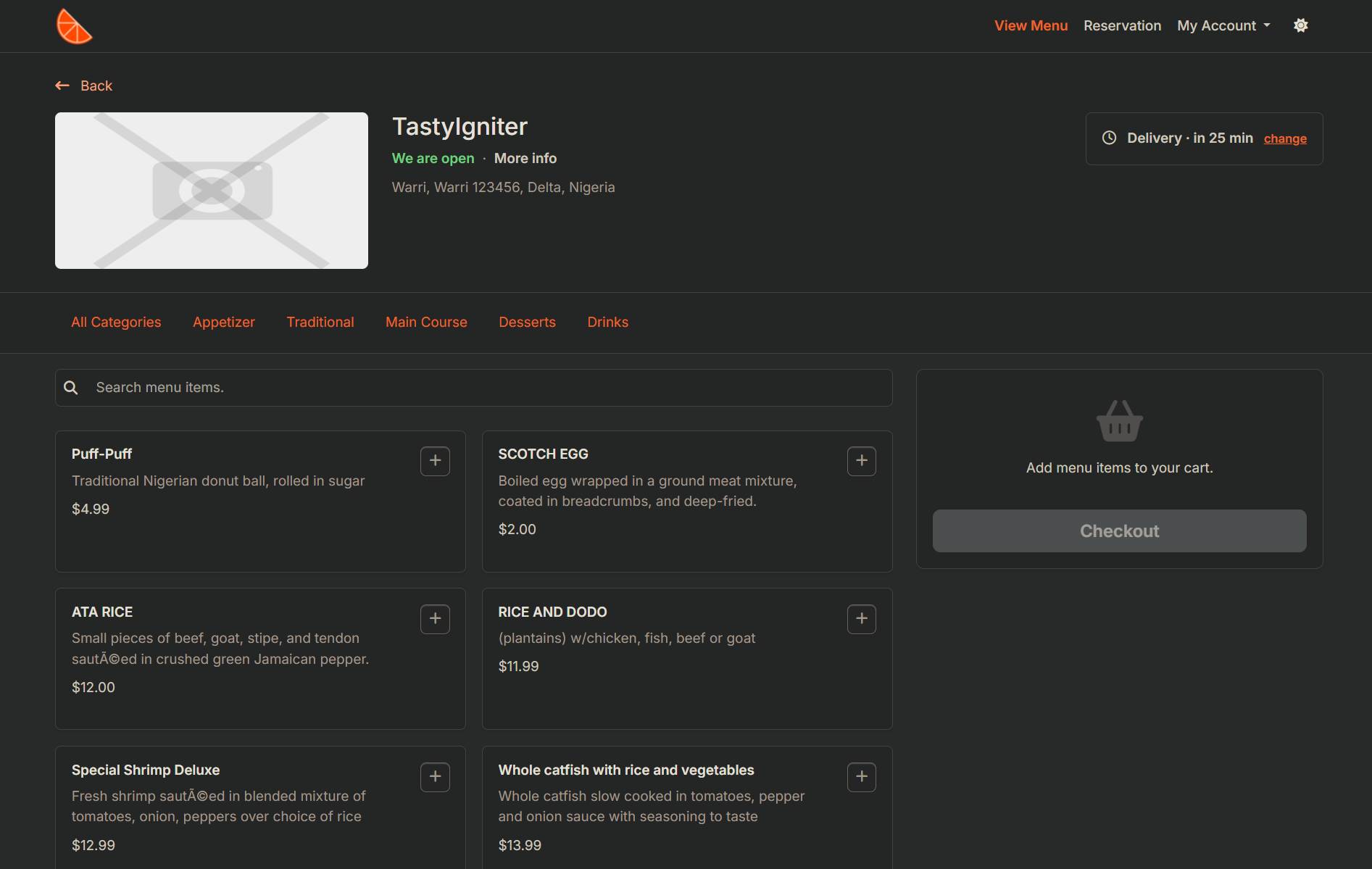
This extension adds dark mode to the TastyIgniter admin dashboard and any storefront theme using the DarkReader library. It works out of the box without theme-specific CSS — just enable and go. Includes per-user preference persistence and optional scheduling.
Features
- Toggle dark mode on admin dashboard, storefront, or both.
- Plug and play — works with any theme, no theme-specific CSS or setup needed.
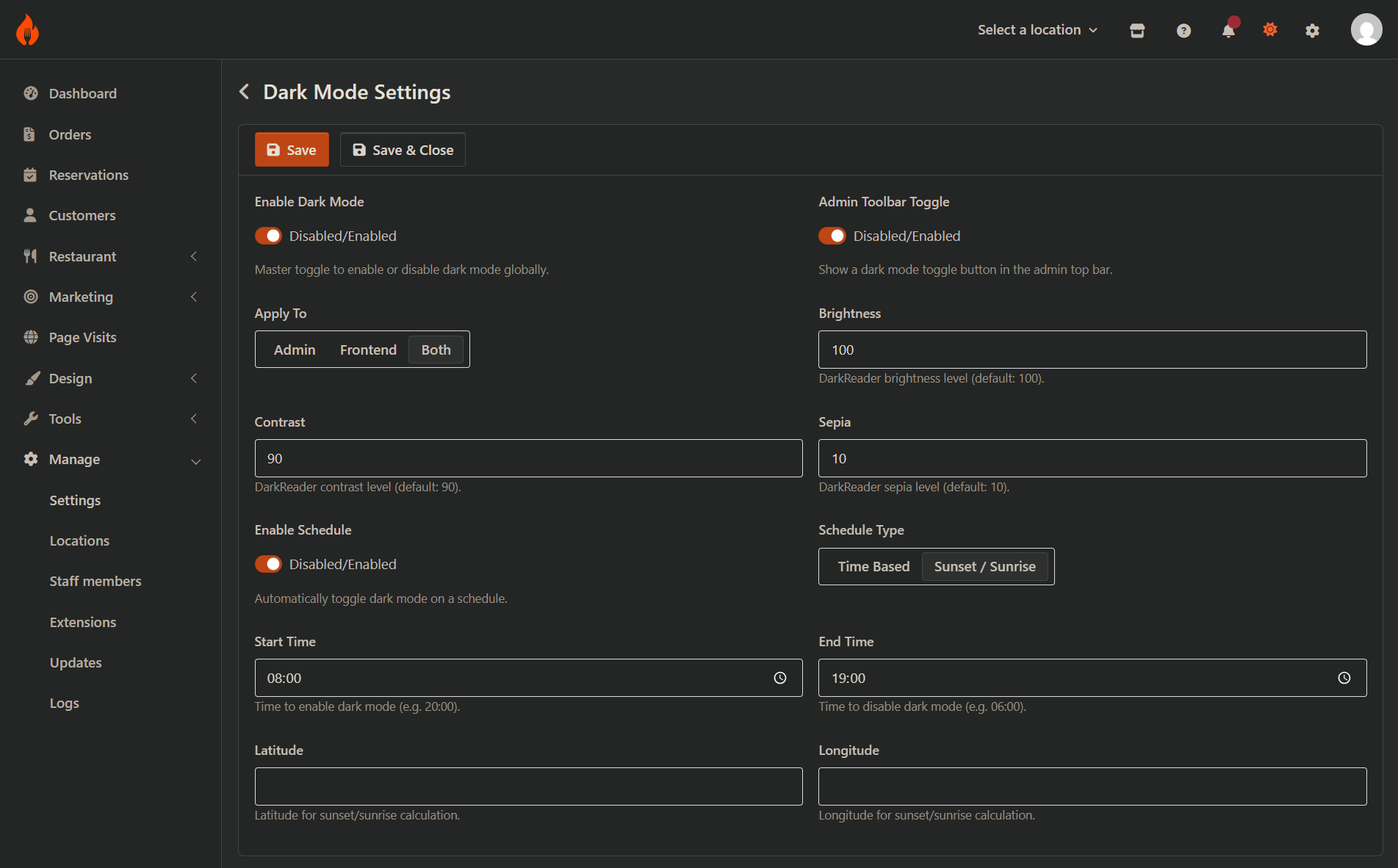
- Configurable brightness, contrast, and sepia levels via admin settings.
- Anti-flicker loading prevents white flash on page load.
- Admin toolbar toggle icon for quick switching.
- Livewire component for storefront theme integration.
- Schedule support with system, time-based, or sunset/sunrise activation.
- Per-user preference stored in localStorage for instant access.
Requirements
- TastyIgniter v4.0+
- PHP 8.2+
Installation
composer require tipowerup/ti-ext-darkmode
Then run migrations:
php artisan igniter:up
Usage
- Go to System > Settings > Dark Mode in the admin panel.
- Enable dark mode and choose where to apply it (admin, storefront, or both).
- Adjust brightness, contrast, and sepia to your preference.
- Optionally enable the admin toolbar toggle or configure a schedule.
To add a toggle button to your storefront theme, use the Livewire component:
<livewire:tipowerup-darkmode::darkmode-toggle />
Information
Author
TI PowerUp AdminUpdated
Sep 15, 2026